
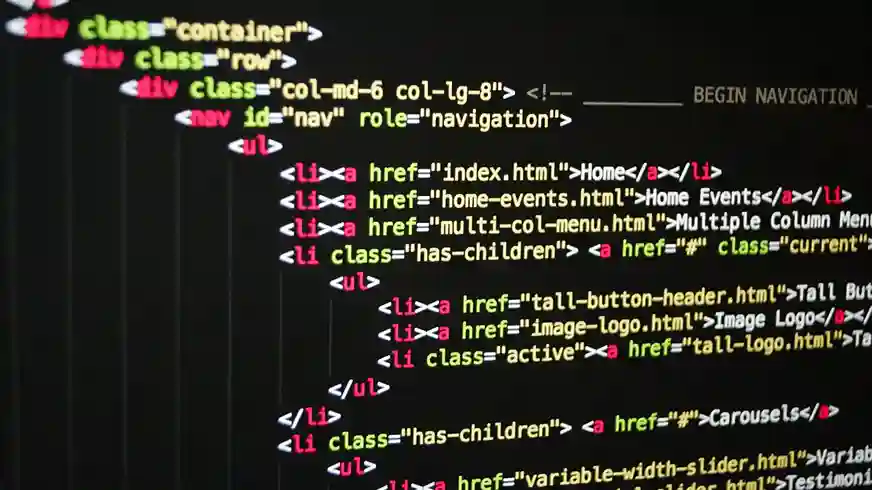
In a drama, for everything to run smoothly certainly need a script or a script, right? With a script, all the lines in a drama will create something beautiful.
Did you know, in the world of programming also has a similar term? The term is script. Then what is the meaning of the script in the world of programming? So that curiosity does not haunt you, here is an explanation.
Definition of Script
Script or script is a set of instructions executed by a computer or in a programming language. A script is a type of computer program that is commonly used because it does not require compilation before it can be used. Scripts are often used to automate and simplify repetitive tasks.
A script consists of a series of instructions or codes written in a specific programming language, which can be executed by a system or program to carry out a task. In contrast to programs that usually need to be compiled first, the script generally executed directly by the interpreter.
Initially, the script also known as batch language, because the original purpose of its creation was to assist administrators in automating the commands in a single process. Basically, it is designed to make it easier for humans to give commands to computers or when they want to translate commands into a more attractive display.
Function Script
After understanding the meaning of the script, in the following we will discuss what its functions are. The following script functions is:
1. Automate Repetitive Tasks
Script functions the first is to allow the same tasks to be performed automatically without the need for repeated manual intervention. For example backup data or processing batch file.
2. Execute commands or operations automatically
Script functions furthermore, it can be used to run commands in the system or applications automatically. An example is running script to start certain services after the system starts up.
3. Integrate and manage systems or applications
Script functions furthermore, it can be used to run commands in the system or applications automatically. For example is running script to start certain services after the system starts up.
4. Process Data or information quickly
With scripts, data processing that requires complex steps can be done automatically and faster. For example, processing data in spreadsheets or execute query on database.
5. Improve interactivity on apps or websites
In applications or the web, scripts are used to enhance the user experience by providing interactive elements, such as dynamic forms, pop-up, and animation real-time.
Types Script
The following types of scripts are among others:
1. Script Client-Side
Script client-side is code that is executed on the user's side, generally inside a web browser. JavaScript is the most famous example of allowing a web page to be interactive and dynamic without the need to reload the entire page.
2. Script Server-Side
Script Server-Side conducted in server and is responsible for the management of logic back-end from the web application. Languages such as PHP, Python, and Ruby are examples of languages that are often used to create these scripts. This script performs various functions, including accessing database, user authentication, and data processing.
3. Script Operating System Based
This type of script is designed to automate administrative tasks on the system. Examples are shell script on UNIX or batch file in Windows, which is used to manage files, run programs, and monitor system performance.
4. Script Automation
This type of script serves to tidy up a variety of tasks, from software testing to data management. Programming languages like Python are often chosen because of their flexibility and ease of use.
Benefit of Script

Benefits of the script is as follows:
1. Simplify Automation Of Repetitive Tasks
Benefit of the first is that it can be used to automate repetitive work, such as data backup, file management, or running certain daily tasks. This reduces manual work which must be very tiring.
2. Save Time
By automating tasks that are usually done manually. In addition, the script can save time and speed up the completion of tasks.
3. Improve Efficiency
Benefits of the script furthermore, it helps to increase efficiency because tasks can be executed consistently and automatically without the need for human intervention.
4. Minimizes Manual Errors
By automatically executing commands, you can be sure that you will reduce the risk of errors that are common when performing tasks manually. Thus, the results obtained are more accurate and reliable.
From this we can conclude that the main benefits of using the script is its ability to automate data analysis. With this, you do not have to do the work manually and repeatedly.
Main Components Script
Script components are the following:
1.Variable
Components the first is a variable which is a fundamental element used to store values or data that can change during the execution of a program. This part of the script serves to store user input, calculation results, or data obtained from external sources.
2.Function
The next component is function. This component is a callable block of code that performs a specific task. By using functions, you can better organize your code, improving readability and maintainability.
3. Conditions
A condition is an instruction that allows a script to make a decision based on a particular input or situation. For example is if-else allow script to operate differently depending on the existing conditions.
4. Looping
Looping is a mechanism that allows blocks of code to be executed repeatedly. This is especially useful when it is necessary to process large amounts of data or perform tasks of a repetitive nature.
Programming Language Examples Script
Programming languages script is a type of programming language used to write scripts, which are usually executed directly without the need to compile them first.
Scripts are used to automate certain tasks in an application, web, or operating system.
Programming language examples script popular ones include:
- JavaScript: Used for web development.
- Python: Often used in web development, automation, data analytics, and machine learning.
- PHP: Used for development server-side on the web.
- Ruby: Used in web and application development.
- Bash: Shell script for task automation in UNIX/Linux operating systems.
The aforementioned languages tend to be lighter and easier to learn than languages that require a compilation process, such as C or Java programming languages.
Conclusion
This is the explanation of script in this article. In this article, we have understood about the definition, functions, benefits, types, components, and programming languages script popular ones.
We can conclude script is a set of instructions designed to automate certain tasks and executed directly by the interpreter without the need for a compilation process.
Scripts also offer a variety of functions, such as automation of repetitive tasks, running automated commands, system integration, fast data processing, and improving the interactivity of applications or websites.
In addition, the benefits we get from scripts are time savings, efficient improvements, and minimization of manual errors.
As for some examples of programming languages script popular ones are JavaScript, Python, PHP, Ruby, and Bash, each with specific applications and advantages as needed.
Finally, we Audithink is an audit application that various companies already trust. We also provide complete and advanced features that will certainly make it easier for auditors to conduct various types of audits.
If you are interested in what we offer, immediately contact Audithink to discuss your audit needs.