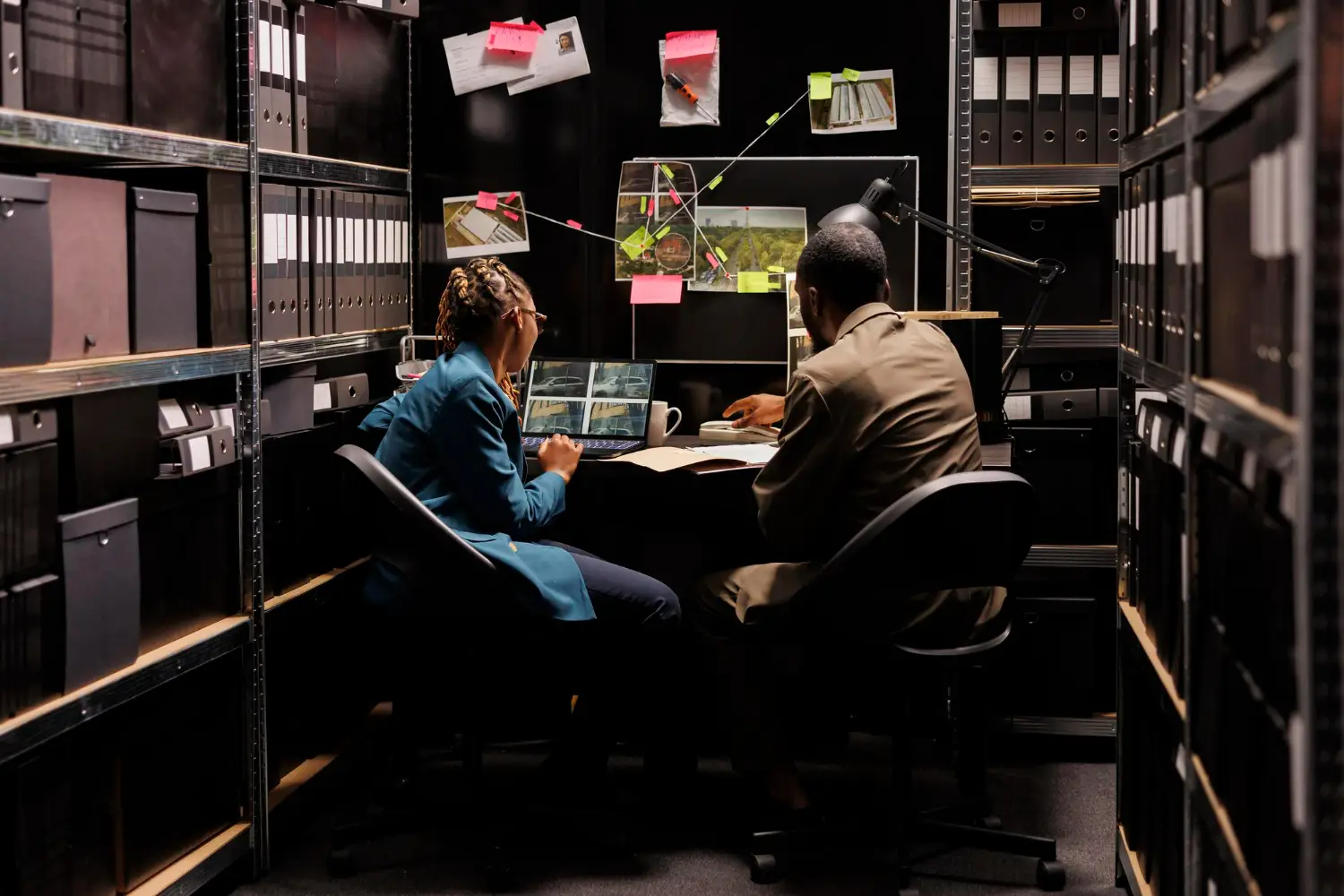

In the digital world, often a user will find problems both when accessing a report and data. So an auditor needs to do an analysis. Analysis and examination of the problem is what is called troubleshooting.
A device will be less reliable if when a problem is found, the user does not carry out the repair process. This process is an essential and influential process of any computing system.
This procedure is carried out to identify issues when an operating system is not functioning properly. This process requires precision and fundamental knowledge in performing repairs.
In this article, the author will explain troubleshooting. Starting from the definition, the five types, functions, and stages. Please listen to the following explanation.
The definition of troubleshooting.
In general, troubleshooting is the process of finding solutions, a systematic process of identifying, diagnosing, and resolving problems.
This process can be applied in various fields, including information technology, electronics, manufacturing, and even everyday life.
The main purpose of troubleshooting is to find the root cause of the problem and apply the right solution so that the problem can be resolved effectively and efficiently.
Good problem scanning skills can help a person solve problems independently, save time and costs, and boost self-confidence.
Specifically, troubleshooting is a systematic process for identifying, analyzing, and resolving problems or malfunctions that occur in a system, device, or process.
This process involves various steps starting from observing symptoms, isolating the cause of the problem, to implementing solutions to address the issues.
In a technical context, troubleshooting can be applied to hardware, software, networks, or other systems, with the aim of ensuring that all components are functioning properly and restoring the system to normal conditions.
This approach is very important for maintaining operational efficiency and preventing larger disruptions.
Troubleshooting Function
Through this understanding, troubleshooting serves to analyze and anticipate what could be the root cause of a problem found in a device. Here are its functions.
1. Mengidentifikasi Masalah
Troubleshooting helps to detect and understand the root cause of a problem that occurs, whether in hardware, software, or networks.
2. Memulihkan Kinerja Sistem
By identifying and fixing issues, this process serves to restore the performance of the system or device to its normal state, ensuring that everything operates as it should.
3. Mencegah Gangguan Lebih Lanjut
Through the process of scanning this issue, problems can be addressed before they develop into larger or more damaging disruptions, thus preventing downtime or more severe system failures.
4. Improve Operational Efficiency
By ensuring that all components are functioning well, it helps maintain operational efficiency, reduce downtime, and maximize productivity.
5. Menghemat Waktu dan Biaya
By detecting problems earlier and fixing them quickly, this can reduce the need for major repairs that may take more time and cost more.
6. Memberikan Pemahaman yang Lebih Baik tentang Sistem
Through this process, users or technicians can gain deeper insights into how the system works, which can be beneficial for future maintenance or to prevent similar issues from occurring again.
5 Types of Troubleshooting
Problem scanning is divided into several types according to the type of device. Here is an explanation of the five types.
1. Troubleshooting Hardware (Hardware)
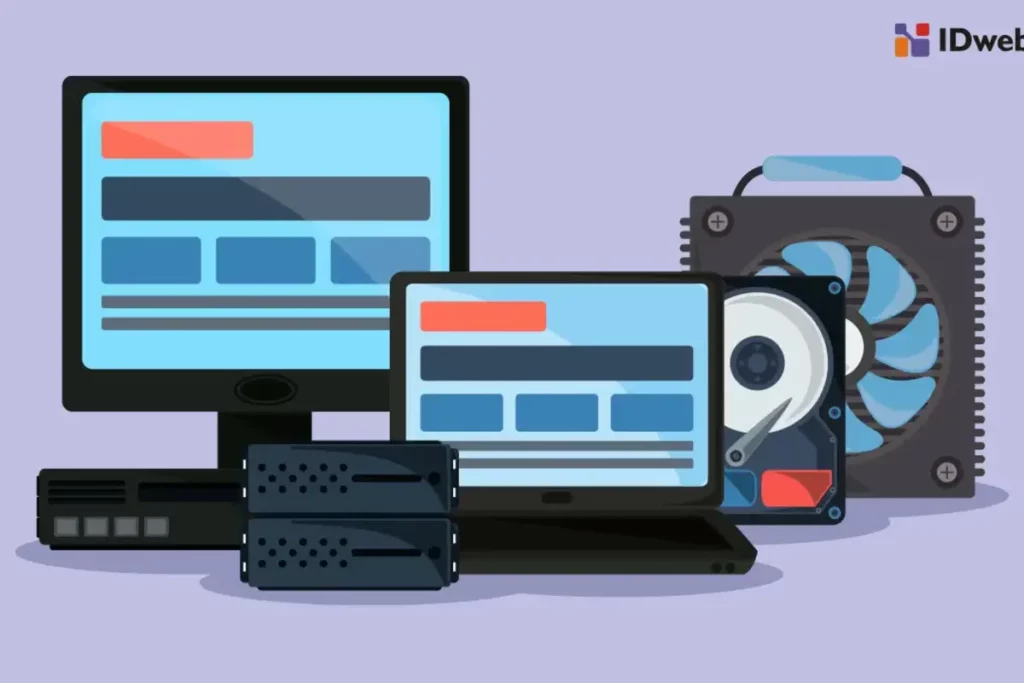
Troubleshooting hardware is carried out when there are physical problems with devices, such as computers, smartphones, or networking equipment.
For example, if the computer does not turn on, troubleshooting involves checking the power source, cables, or internal components such as RAM or hard drive.
The main goal is to ensure that all hardware components are functioning properly.
2. Troubleshooting SoftwareThis software)

This type of troubleshooting is related to issues with software, including applications, operating systems, or programs. These problems can include bugs, crashes, or slow performance.
Troubleshooting steps may involve software updates, application reinstallation, or checking system compatibility.
Another example is addressing issues in programs that frequently crash or cannot be opened.
3. Network TroubleshootingNetwork)
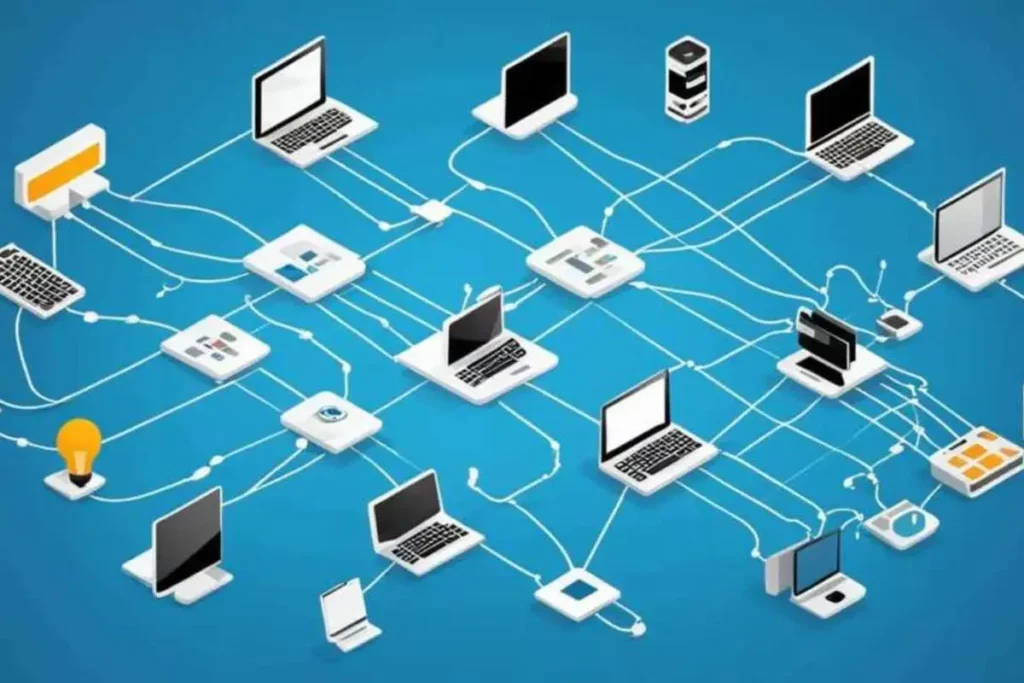
Network troubleshooting focuses on issues that occur with network connections, such as slow internet, no connection, or devices that cannot connect to the network.
This involves checking the router, modem, IP settings, and other network devices. Troubleshooting may include connectivity tests, restarting network devices, or changing network settings.
4. System TroubleshootingSystem)

Troubleshooting systems encompass broader issues that involve the entire system, both hardware and software.
An example is an issue with the server that involves system failures or performance problems. This could involve log analysis, checking system load, or deeper problem diagnosis.
5. Application Troubleshooting

This type is specific to certain applications that do not function well. For example, when a mobile or desktop application freezes or crashes, this process involves checking for updates, application permissions, or specific settings of the application.
Each type in this process has different approaches and tools depending on the issues at hand.
It is important to have a good understanding of the system being troubleshot in order to effectively resolve issues.
Troubleshooting Procedures
Troubleshooting is a systematic and structured process for identifying, analyzing, and resolving problems. Here are the general stages.
1. Problem Identification
The first stage is to recognize and understand the problem that occurs. It involves observing symptoms or abnormal behavior of a system or device.
Information from users or error reports is very useful at this stage. The goal is to clearly identify what is not working as expected.
2. Gather Informations
After the problem is identified, the next step is to gather relevant information. This may include system logs, error messages, system configurations, or a history of changes made before the issue arose. This information helps narrow down the possible causes of the problem.
3. Isolation of the Cause
At this stage, various possible causes are analyzed to identify the source of the problem. This can involve testing each component or part of the system one by one to determine which ones are functioning normally and which ones are failing. The elimination process is used to isolate problems to specific areas.
4. Formulating Hypotheses
Based on the information that has been gathered and the analysis of the causes, a hypothesis or assumption about the main cause of the problem is formulated. This hypothesis must be logical and based on the data that has been obtained.
5. Hypothesis Testing
Next, the hypothesis is tested by trying out the proposed solution. For example, if the problem is suspected to be caused by faulty software, the software can be reinstalled or updated. If that solution works, then the hypothesis is proven correct.
6. Implementation of Solutions
If the hypothesis test is successful, the proposed solution is applied permanently. This may involve hardware repairs, configuration adjustments, or software updates.
At this stage, the system or device must be retested to make sure the problem has been completely resolved.
Closing
Thus is the explanation regarding troubleshooting, starting from the general and specific definitions, types of troubleshooting, to its functions and stages.
Troubleshooting is a very important process that requires finding the root cause of a problem in a process within a device's operating system.
Audithink appears as audit software that is suitable for the needs of structured companies and organizations and equipped with features scanning problems.
So that auditors will find it easier to analyze problems and immediately find solutions. Contact us for demo schedulling.