
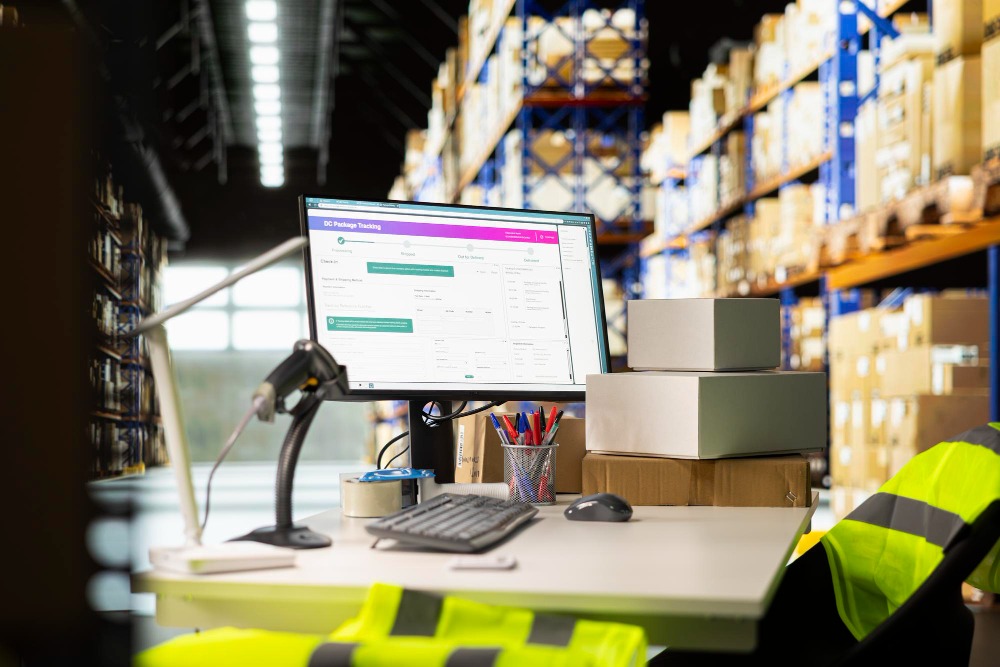
Illustration of Stock Opname & Store Audit (Magnific)
Maintaining store operations up to standards is a challenge when a retail business has multiple branches with ongoing activities.
Audit processes that still use forms and spreadsheets can make stock checks, SOP compliance, and follow-up on findings more difficult to monitor.
Therefore, retail audit applications help manage inspections digitally. Read this article to learn about their features, benefits, and how to choose one.
What Is a Retail Audit Application?
A retail audit application is a digital system that helps companies manage store inspections, inventory, SOP compliance, findings, and follow-ups in a structured manner.
This system can be used by auditors or operational teams to conduct inspections, fill out checklists, upload evidence, and record audit results directly from the store location.
The collected inspection data can be used to view the condition of each branch and help management determine areas that need improvement.
Why Do Retail Businesses Need an Audit Application?
Retail businesses need to oversee multiple stores with activities, stock, and operational standards that must remain consistent.
Stock Count (Stock Opname) & Inventory Audit
Stocktaking helps ensure that physical inventory counts match existing records. Additionally, auditing applications can help record inspection results and document stock discrepancies in a more structured manner.
SOP & Store Standard Compliance Audit
Each branch needs to carry out established procedures, from customer service to managing goods and store conditions.
Digital checklists help auditors conduct inspections based on the same standards and record evidence if there are any non-conformities.
Multi-Branch Scale
The more branches there are, the greater the amount of audit data that must be managed. However, an audit application helps centralize audit results for each store, making it easier for companies to compare branch performance and monitor follow-up actions.
What Are the Must-Have Features of a Retail Audit Application?
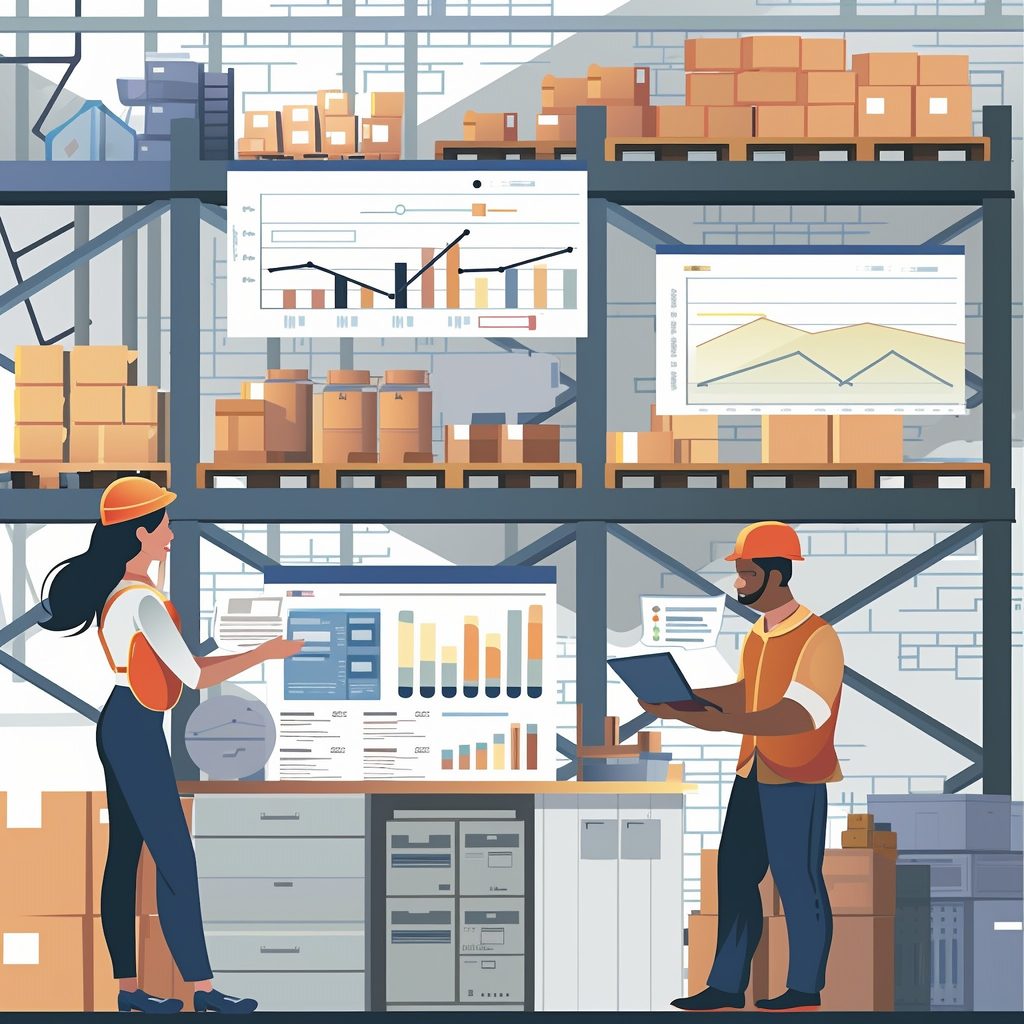
Magnificent
Retail audit applications need to support field inspections while making it easier for companies to manage audit results from multiple branches.
Store Audit via Mobile
Auditors can conduct inspections directly via mobile devices without relying on physical forms. Checklist results, notes, photos, and inspection evidence can be recorded during the audit.
Standardized Checklist per Branch
The checklist helps ensure that every store is inspected to the same standards. Companies can also customize the checklist based on the store type, inspection area, or operational needs of each branch.
Findings Management & Follow-up
Audit findings may be recorded along with recommendations, PIC, completion targets, and evidence of improvement. Follow-up status can also be monitored so that findings don't stop at the audit report.
Branch Performance Dashboard & Reporting
The dashboard displays audit results from multiple branches in a single view. Management can view compliance levels, findings, follow-up progress, and branches requiring further attention.

What Are the Benefits of Implementation for Retailers?
Implementing a retail audit application helps companies manage store inspections in a more structured manner, especially for businesses with multiple branches.
- Speed up the audit process because the inspection can be done digitally without relying on physical forms.
- Facilitates stock monitoring and SOP compliance through a checklist that can be used consistently in each branch.
- Centralize audit data so that the inspection results of various stores can be managed in one system.
- Accelerate follow-up of findings with PIC information, completion targets, and repair status that are easier to monitor.
- Helps compare branch performance through audit data presented in a structured manner.
- Reduce administrative work such as recapitulating inspection results and compiling reports manually.
- Support decision making by providing information regarding branches or operational areas that require attention.
How Do You Choose a Retail Audit Application?
- Adapt to operational needs
Select an application which can support stock checks, SOP compliance, store conditions, and other audit areas relevant to the business. - Make sure it supports mobile auditing
For businesses with multiple branches, auditors need to be able to conduct audits directly via smartphone or tablet and submit the results without a complicated process. - Check the flexibility checklist
The application should allow companies to create different checklists based on store type, inspection area, or specific operational standards. - Pay attention to the management of findings
Ensure the system can record findings, recommendations, PICs, deadlines, and evidence of follow-up so that improvement progress can be easily monitored. - Evaluation of dashboard and reporting capabilities
Choose a system that can present audit results from all branches concisely and help management identify areas that need immediate improvement.
FAQ
What is a retail audit application?
Retail audit application is a digital system that helps companies manage store inspections, stocktaking, SOP compliance, findings, and follow-up in one system.
Can the retail audit application be used for stock taking?
Yes. The system can help auditors record inventory audit results, document discrepancies, and store audit evidence in a structured manner.
Can store audits be done via smartphone?
Yes, if the app offers mobile features. Auditors can complete checklists, add notes, and upload documentation directly from the store.
Can the checklist be different for each branch?
Yes. The checklist can be customized based on company needs, store type, inspection area, or applicable operational standards.
How does the application help handle audit findings?
Findings can be recorded along with recommendations, PIC, completion targets, progress status, and evidence of improvement so that follow-up is easier to monitor.
What are the benefits of audit applications for multi-branch businesses?
The app helps centralize inspection results across all branches, making it easier for companies to compare store conditions, find problems, and monitor repairs.
What to consider before choosing a retail audit application?
Note the mobile audit support, checklist flexibility, findings management, data security, dashboard, reporting, and system capabilities to adapt to business needs.
Conclusion
Managing audits of multiple stores doesn't have to rely on separate forms and spreadsheets. Additionally, Audithink helps companies manage checklists, inspection results, findings, and follow-up in one system.
Want to see how Audithink can support the audit process in your store network? Schedule an Audithink demo and discover audit flows that can be tailored to the needs of your retail business.